How can I exceed the 10 GB limitation of SQL Express 2019?
One of the limitations of the SQL Express 2019 version provided with TopSolid is that the database size cannot exceed 10 GB.
In the SQL Express 2025 version available since November 18, 2025, Microsoft has removed this limitation, and the database size is now limited to 50 GB.
To install, please follow the steps below:
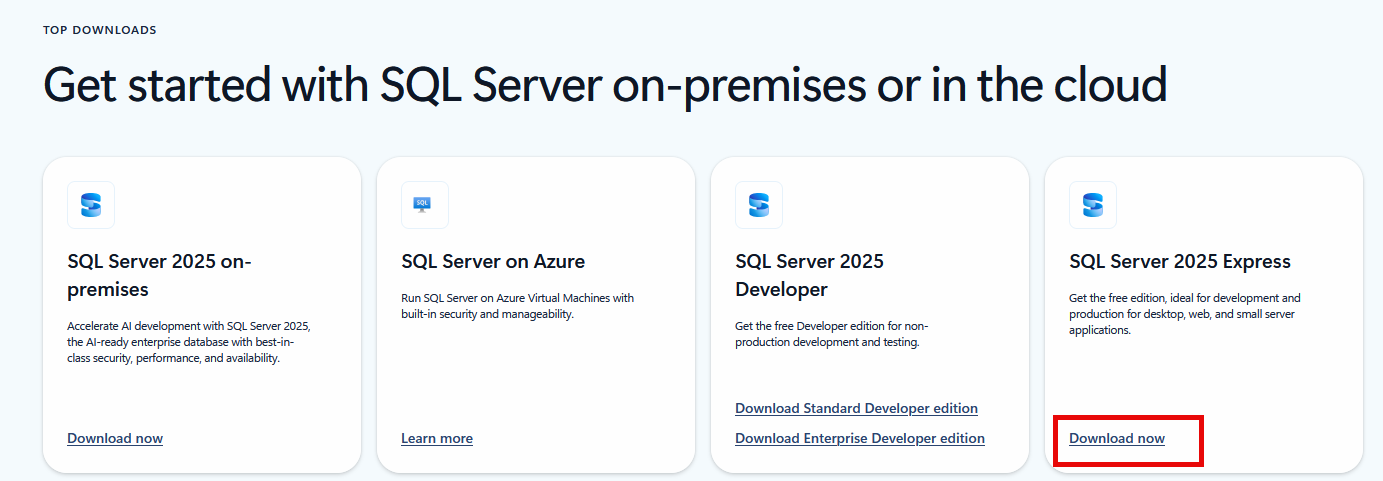
You can download SQL Express 2025 from the following link: https://www.microsoft.com/en-us/sql-server/sql-server-downloads
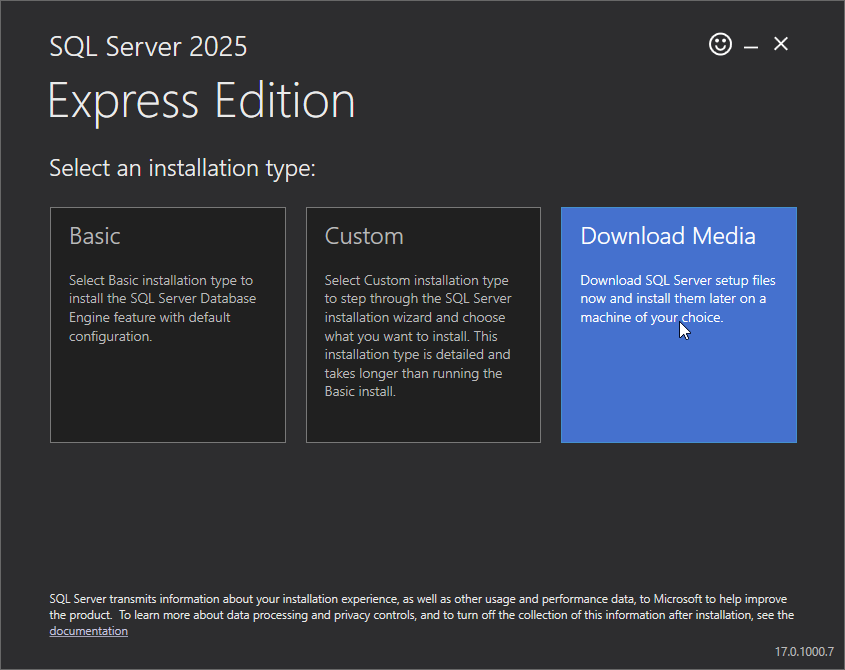
Run the downloaded executable file to download the installation media, and click on the Download Media panel:
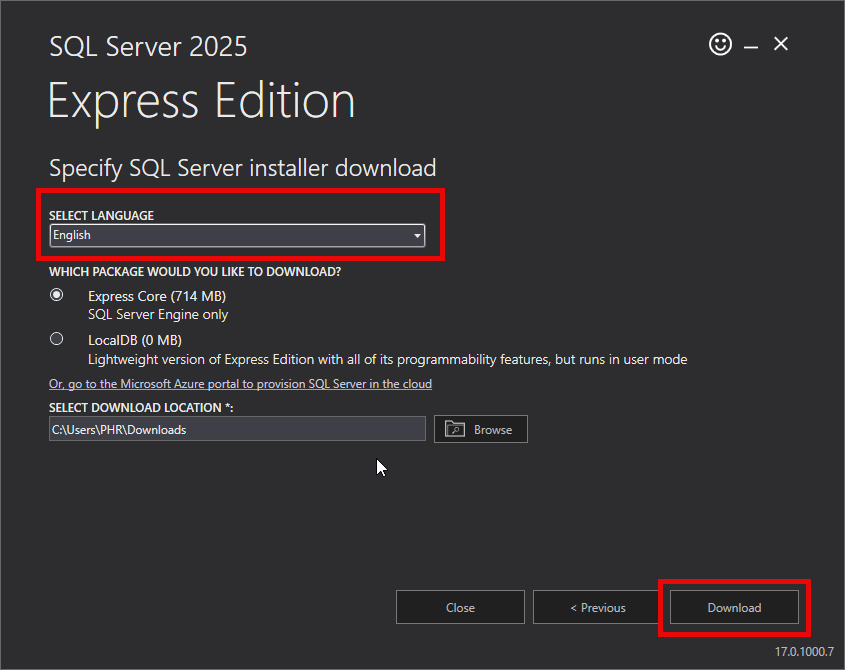
You must choose the English version in order to migrate your current version:
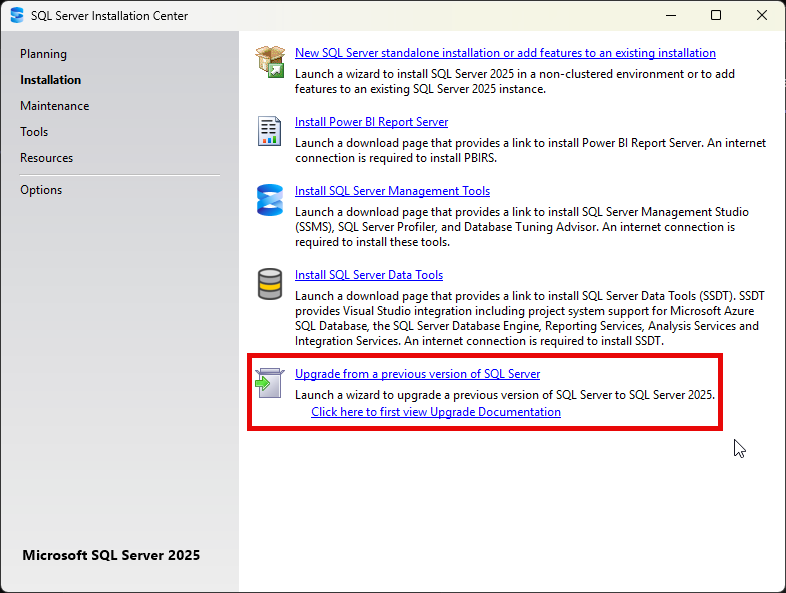
After downloading, click Open folder and double-click SQLEXPR_x64_ENU.exe.
Then select Upgrade from a previous version of SQL Server and follow the update instructions:
 |
SQL Express 2025 is compatible with Windows Server 2019 and higher. SQL Express 2025 will be available in the Redist folder of TopSolid 2026 and will be installed by default with TopSolid 2027. |