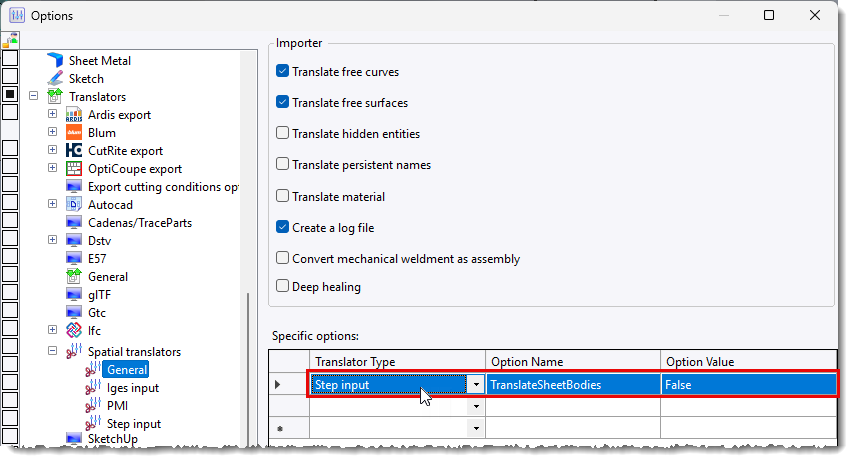
How can I avoid importing surface shapes when importing a STEP file?
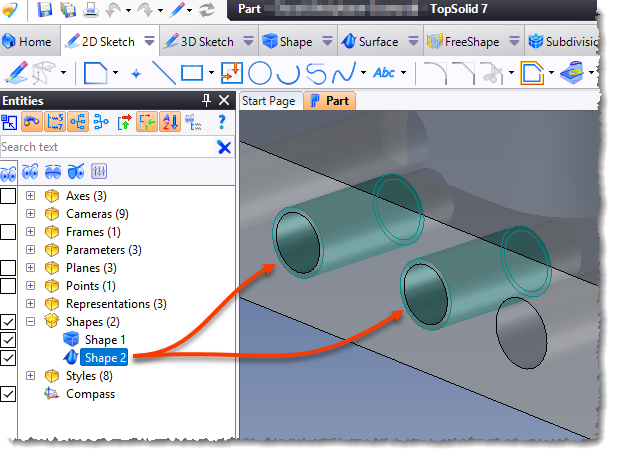
Some CAD applications manage the representation of threading holes by adding a surface shape around the hole. This shape is exported when the STEP file is generated and results in a part composed of multiple shapes when imported into TopSolid.
You can choose to not import these surface shapes by adding the TranslateSheetBodies option and set it to False in the TopSolid Spatial interface options.