Why some parameters such as mass or dimensions are not visible in the entity tree?
Symptom: The parameters calculated by commands such as Tools > Physical Properties..., Tools > Enclosing Box... (mass, dimensions, etc.) are not visible in the entity tree.
Cause: These parameters are calculated in the Analysis step; by default, they are displayed only when the Analysis step is current.
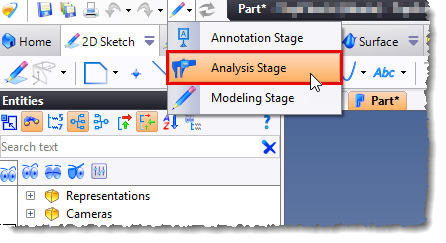
Solution: Activate the Analysis stage from the icon located at the top left of the app:
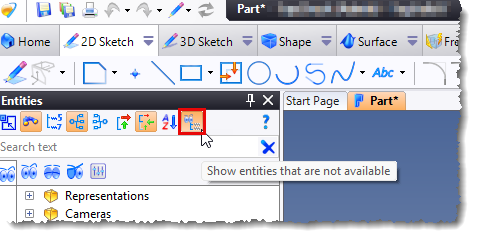
Or activate the Show Entities that are not available mode from the icon bar located at the top of the entity tree: