How can I organize my component's drivers?
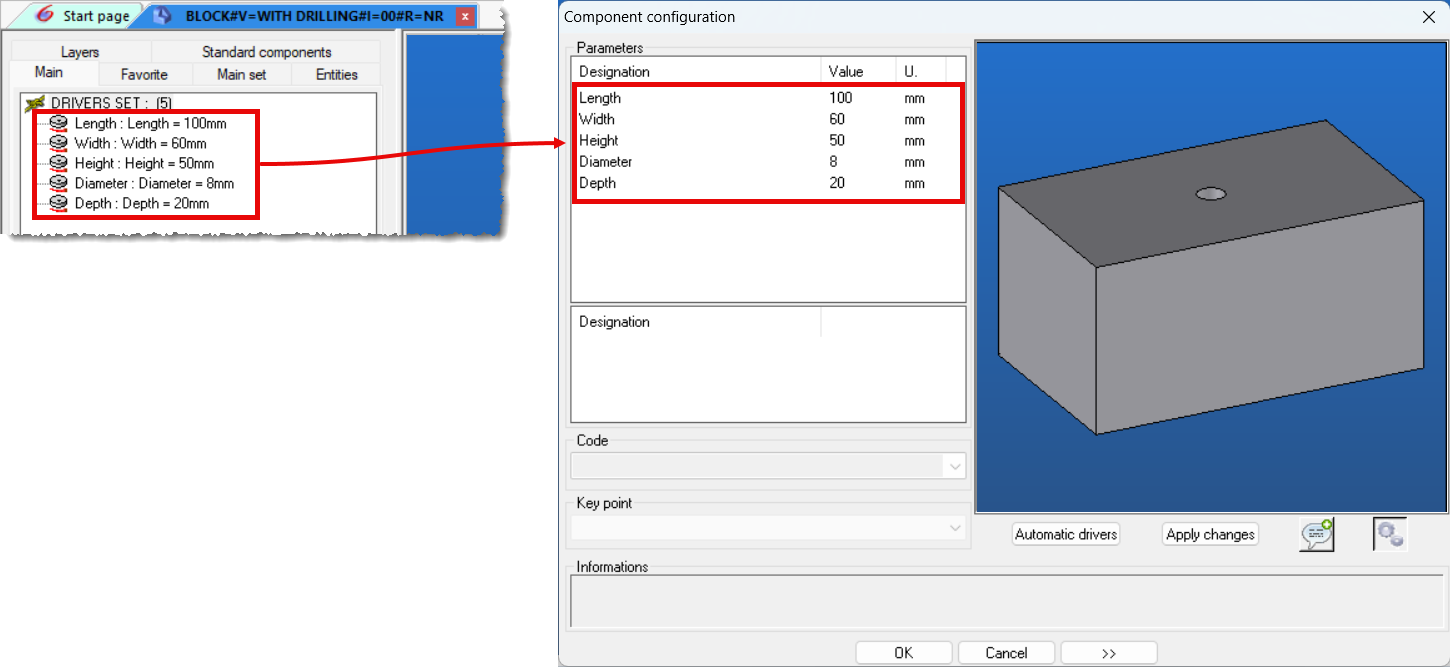
When including a component that has drivers, by default, the drivers are displayed in the order they were created.
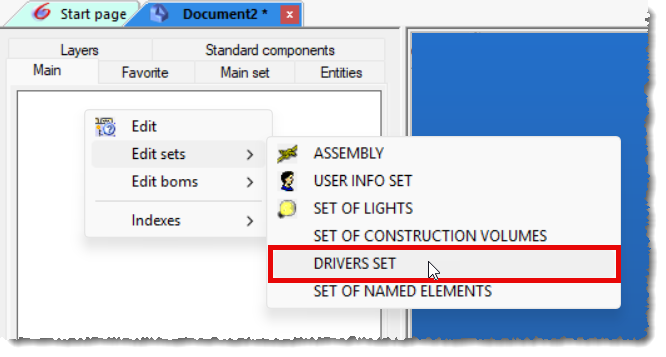
To have them displayed in a specific order, you must edit the drivers set in the tree:
Move the drivers into the desired order, then save the component:
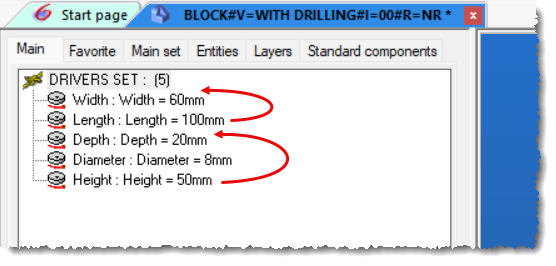
Therefore, when including them via the Standard Components tree, the drivers will be displayed in the same order: