How to extract the machined part stock from an operation?
With TopSolid, it is possible to extract the updated stock from an operation. This will create a new part document containing the stock resulting from all machining operations before the selected operation.
Extracting the stock can be useful for preparing the next step of the machining operation, for example by positioning the stock in an assembly, or for making changes to the stock that were not performed in TopSolid, such as manual operations.
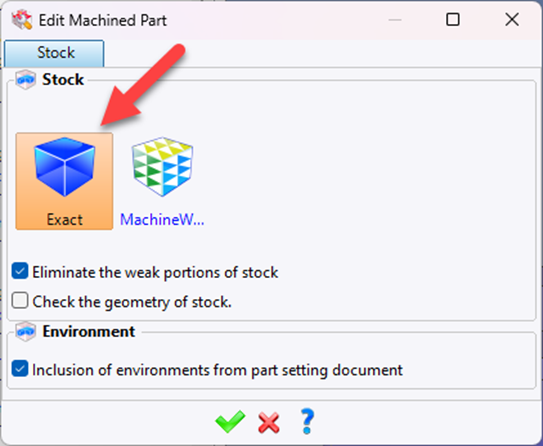
First check that the stock is set to “Exact”.
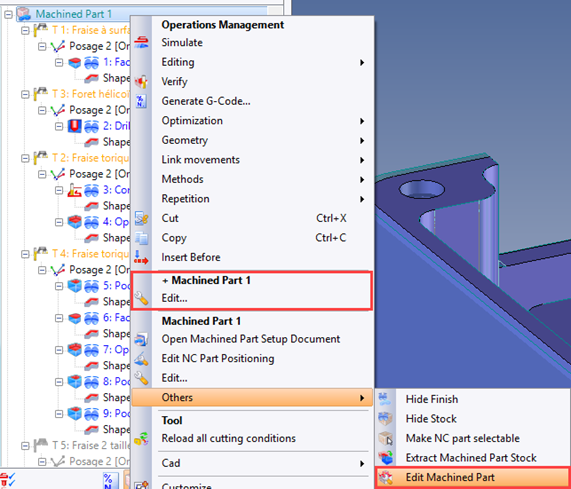
To check that the stock is set to “Exact”, right-click on the Machined Part > “Edit...”
Or Machined Part > Others > “Edit machined part”:
In the machining document:
- Right-click on the Machined Part > Others > “Extract Machined Part Stock”: 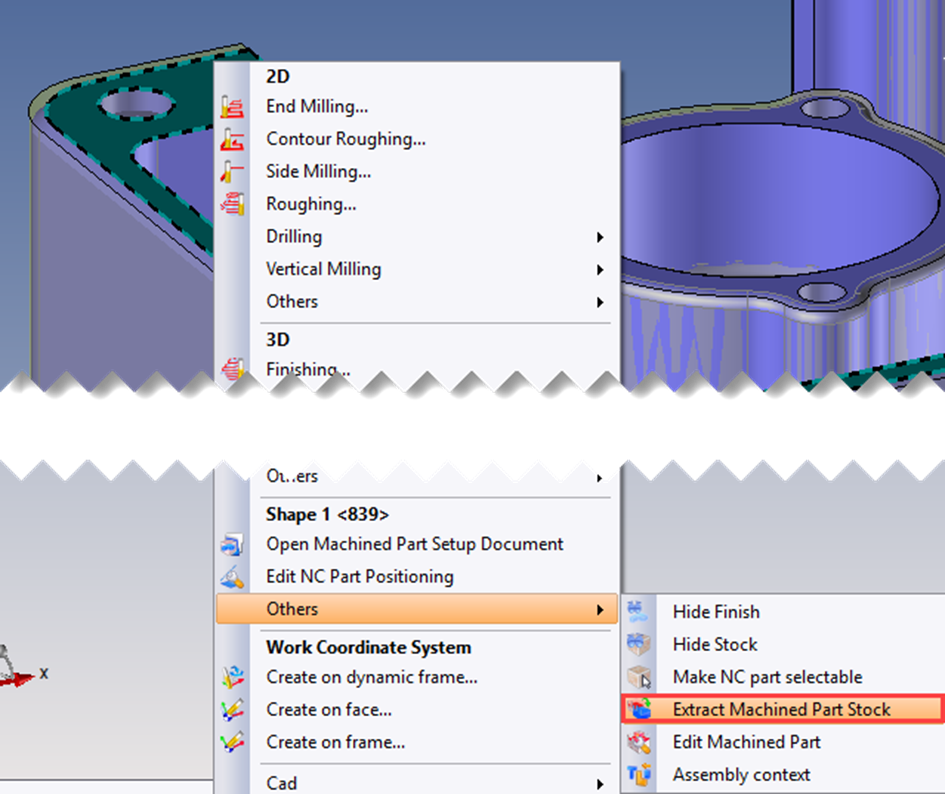
- TopSolid will extract the shape of the stock into a part document. 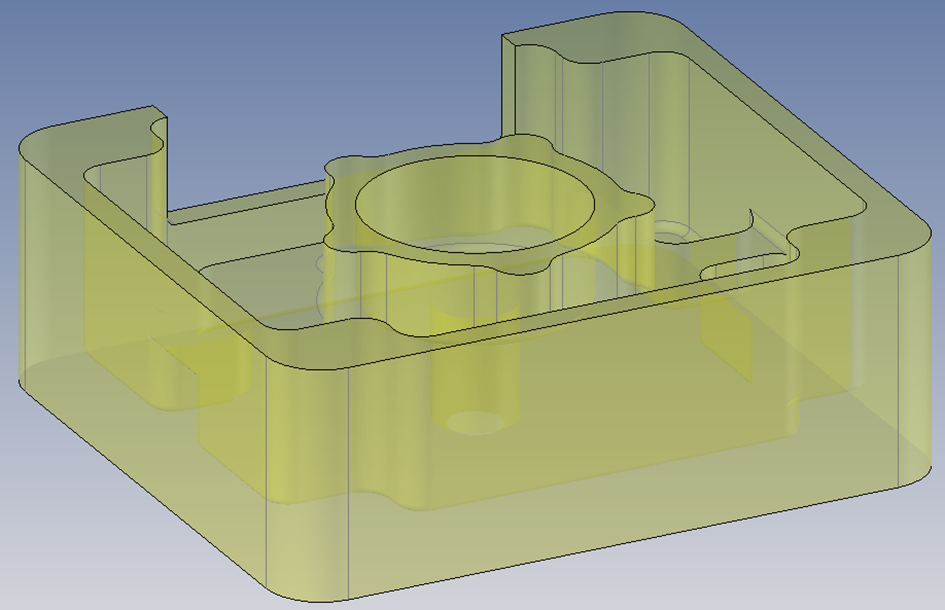
CAUTION: This stock is associative and can be updated if the operation is modified.